

Employee Skills Management
A Skills-Based Approach To Scheduling and Workforce Planning
When you don’t have visibility into the skills and certifications across your workforce, you end up with mismatched assignments, last-minute reshuffling, and increased compliance risk.
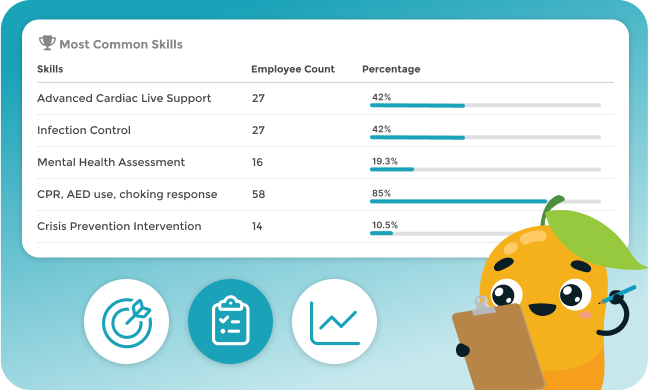
Core Capabilities
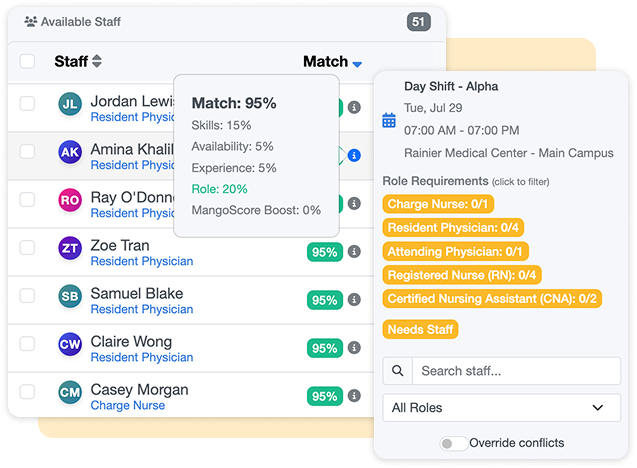
AI-Enabled Skill Matching for Scheduling
When you build or adjust schedules, MangoApps automatically factors in each employee’s skill set, certifications, and training status, ensuring only qualified people are assigned to each shift.
- Prevents underqualified or expired assignments
- Ensures compliance with internal and external requirements
- Optimizes staff placement based on capabilities and availability
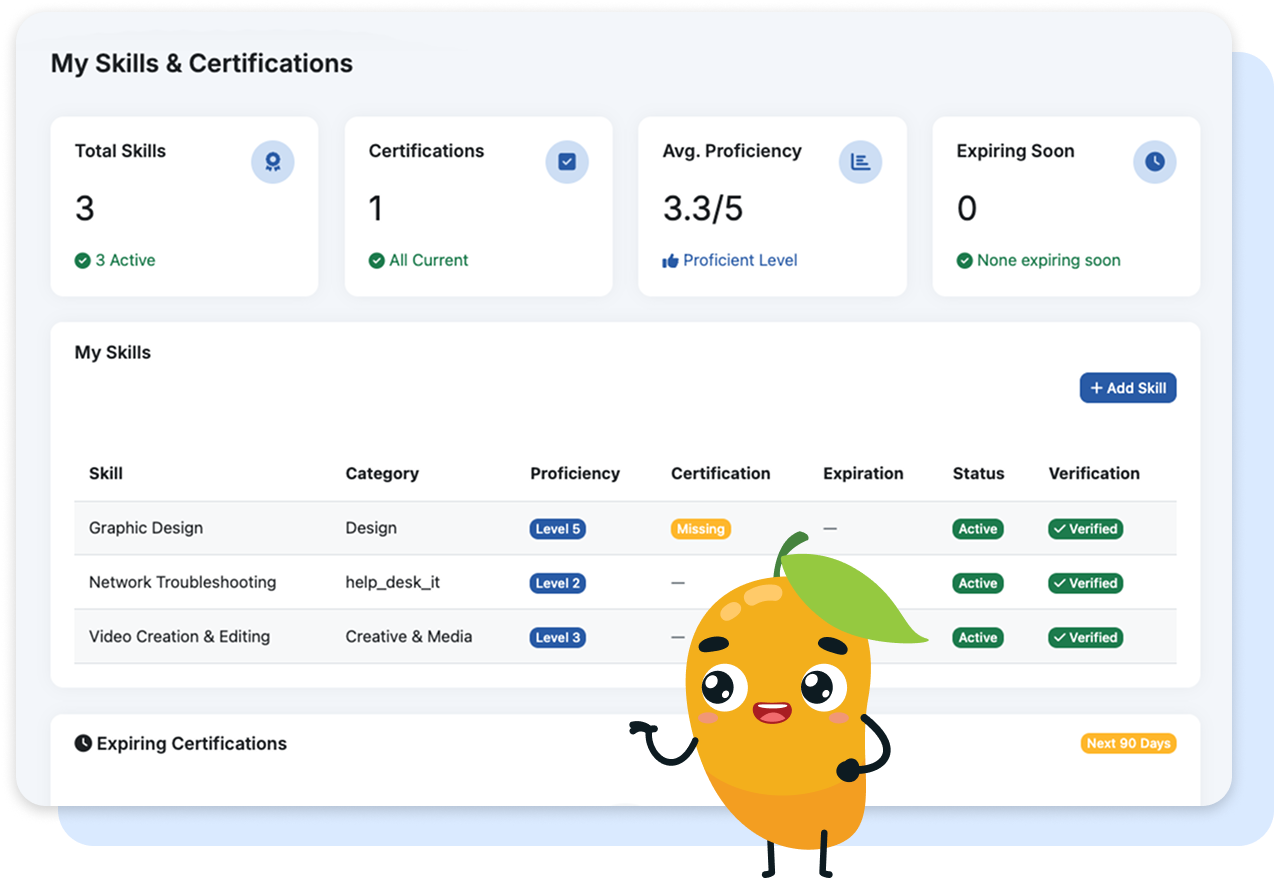
Centralized Skills & Certification Tracking
Easily manage employee skills in one place—clinical credentials, machinery certifications, language abilities, leadership training, and more.
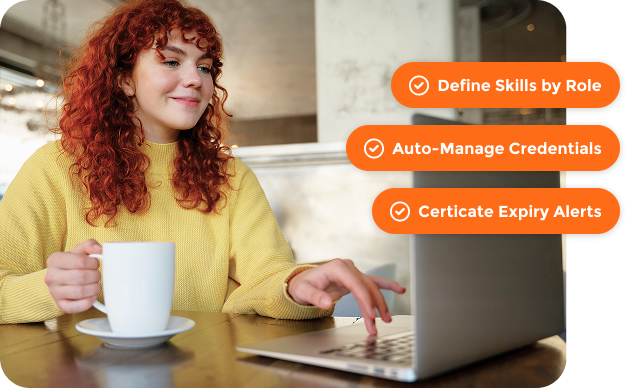
- Define required skills by role or task
- Upload, tag, and expire credentials automatically
- Receive alerts before certifications lapse
Skill Visibility for Managers and Leadership
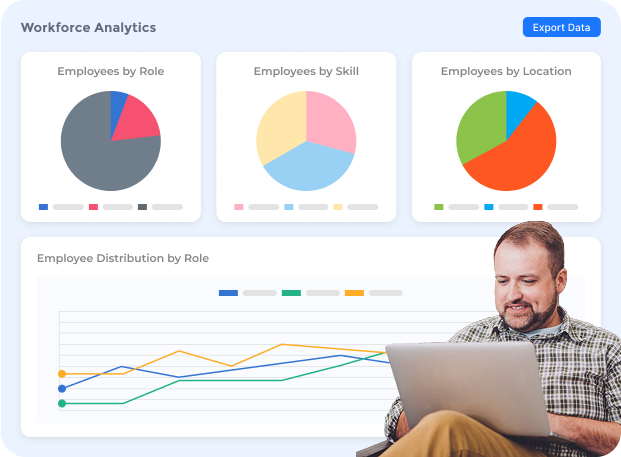
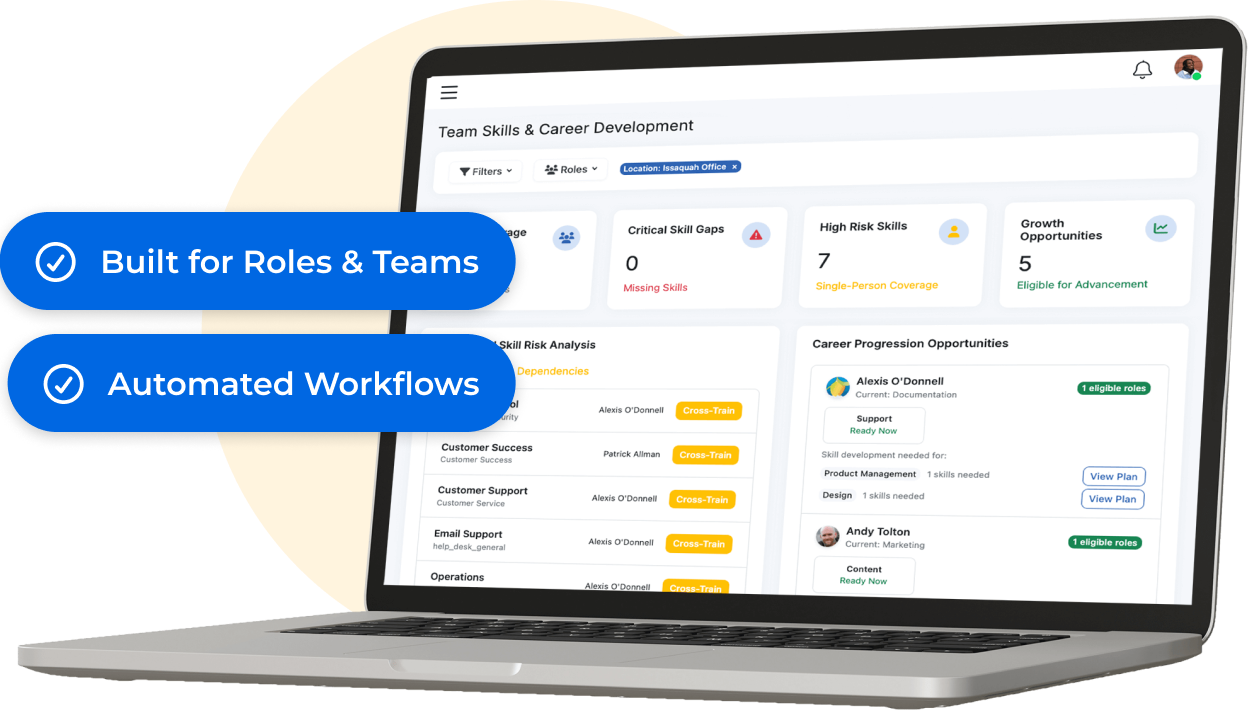
Get a real-time view of workforce readiness. Slice by location, department, or role to identify potential gaps and plan ahead.
- Track trends in upskilling, certifications, and utilization
- See which employees are over- or under-leveraged
- Plan for succession, cross-coverage, or seasonal needs
Track, Visualize, and Act on Employee Skills

Role-Specific Competency Frameworks
Define core, technical, and leadership skills by role, department, or team. Map expectations with proficiency levels and observable behaviors.

Proficiency Assessment Tools
Enable self-assessments, manager reviews, or 360-degree skill ratings. Schedule assessments automatically based on tenure, role change, or training milestones.

Gap Analysis & Development Mapping
Automatically identify skills gaps and receive recommendations for learning resources, certifications, or development plans.

Skills Marketplace
Surface internal talent with matching skills for open roles, stretch assignments, and succession planning.
Built to Support Talent Growth
- Development Plans: Recommend skill-building activities and track progress
- Succession Planning: Identify skill-ready candidates for future roles
- Learning Management: Connect skills to courses, certifications, and training paths
- Analytics: View skills coverage by team, department, or location
What You Can Do with Skills Management

Maintain an always-current inventory of workforce skills

Identify and close critical skill gaps

Enable strategic workforce planning

Promote internal mobility and upskilling

Support compliance with skill-specific certifications
Why It Works
- Customizable Frameworks: Built for your unique roles and teams
- Automated Workflows: Assessments, reminders, and analytics
- Tightly Integrated: Connected to performance, learning, development, and mobility
Book a meeting!
For 15+ years, we've perfected our product, earning the trust of 1 million+ users and an NPS of 78.
Why Choose Us?
- Superior Product: 15+ years of R&D
- Top Security: HITRUST, ISO & SOC 2 certified.
- Exceptional UX: Delightful on mobile and desktop.
Trusted by Legendary Companies:
